
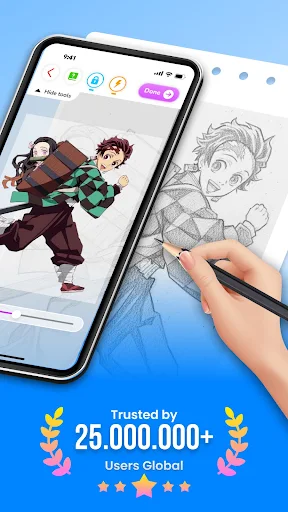
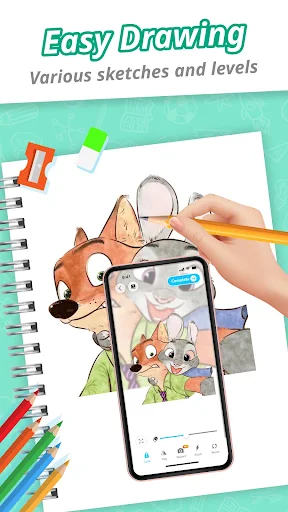
Draw Cartoon – AR Sketch App helps users create sketches and drawings by overlaying digital images onto the real world using augmented reality (AR). The app facilitates tracing by projecting a chosen image through the device’s camera, allowing users to draw on physical paper placed beneath their phone. This process involves positioning the phone parallel to a surface, such as on a cup, then selecting an image which the app inverts to provide a visual guide for sketching. It is designed for individuals interested in cartoon drawing, from those beginning their artistic journey to more experienced sketchers.
AR-Assisted Drawing Workflow
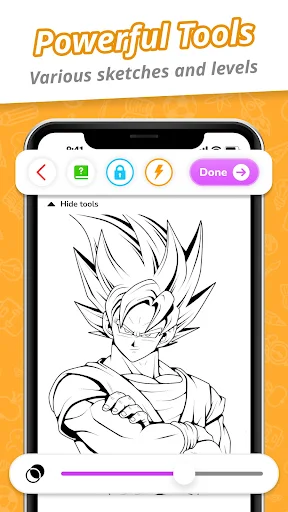
The core functionality of the app centers on its AR drawing capabilities. Users begin by placing their phone on a stable object to keep it parallel to their drawing surface. After selecting an image, the app utilizes the device’s camera to display an inverted version of that image, effectively projecting it onto the physical space below. This allows users to trace the outlines and details directly onto paper. The app includes controls to adjust the opacity of the overlaid image, record video of the drawing process, take photos of the sketch, toggle the flashlight, and lock or reset the AR view.
Tracing Templates and Content
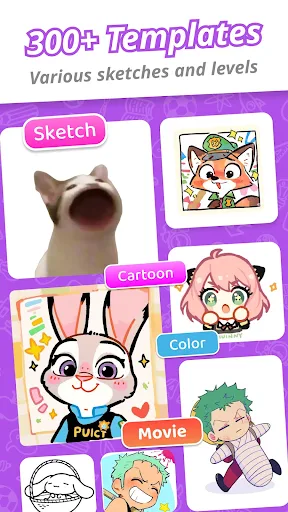
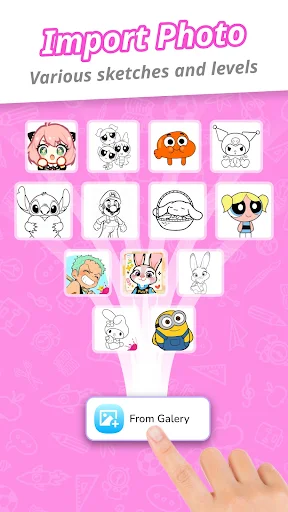
To assist with drawing, Draw Cartoon provides a selection of free painting and tracing templates. These templates cover various cartoon themes, featuring popular characters such as Pikachu, Scooby-Doo, and Freddy. This collection offers starting points for users looking to practice or create specific character-based artwork.
Artwork Management
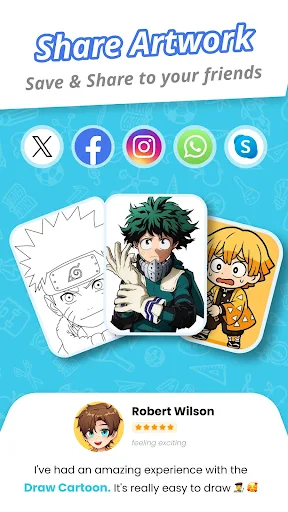
The app includes a My Artwork section where users can save their completed drawings or share them with others. This feature also serves as a way to track personal artistic progress and achievements within the augmented reality art environment.
Recent Improvements
Version 1.0.43 of Draw Cartoon, released on October 16, 2026, focused on performance improvements and bug fixes.








Write a review